
Position for the available coupons section #
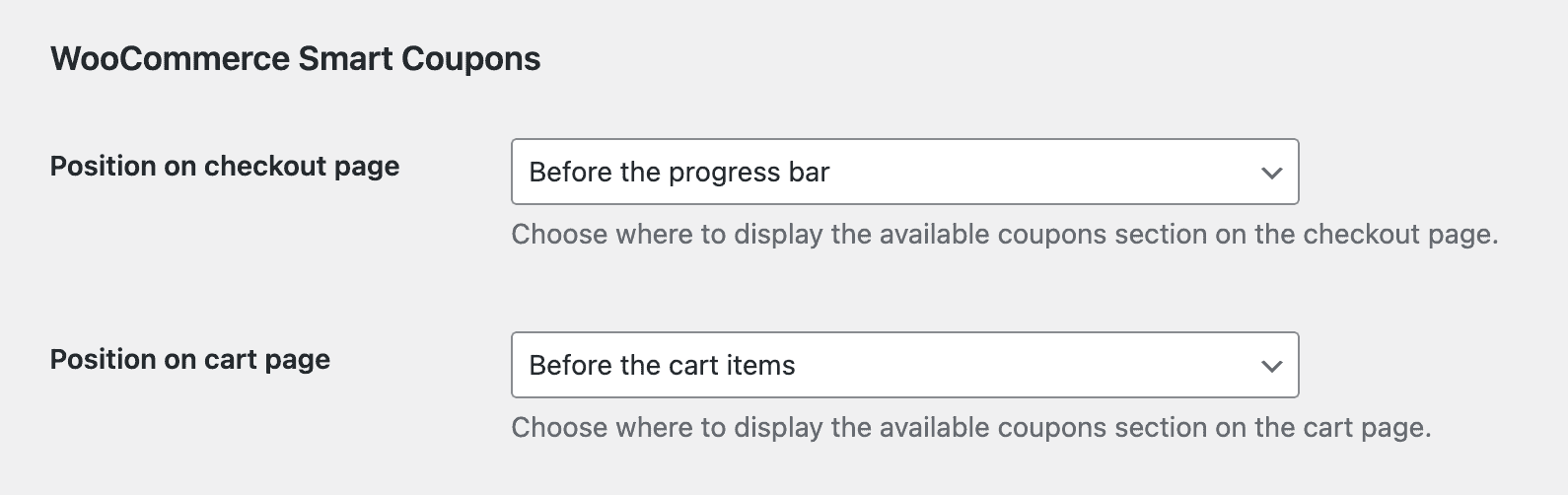
By default, WooCommerce Smart Coupons will display the available coupons section at the top of the cart and checkout pages. It is possible to move that section to a few positions by changing the position in the Fluid Checkout integration settings:
- Go to WP Admin > WooCommerce > Settings > Fluid Checkout > Integrations.
- Locate the section “WooCommerce Smart Coupons”. Keep in mind that it will only be displayed if that plugin is currently active.
- Choose the position you want the available coupons section to be displayed for the checkout and cart pages separately.
- Save your changes.


